What it does
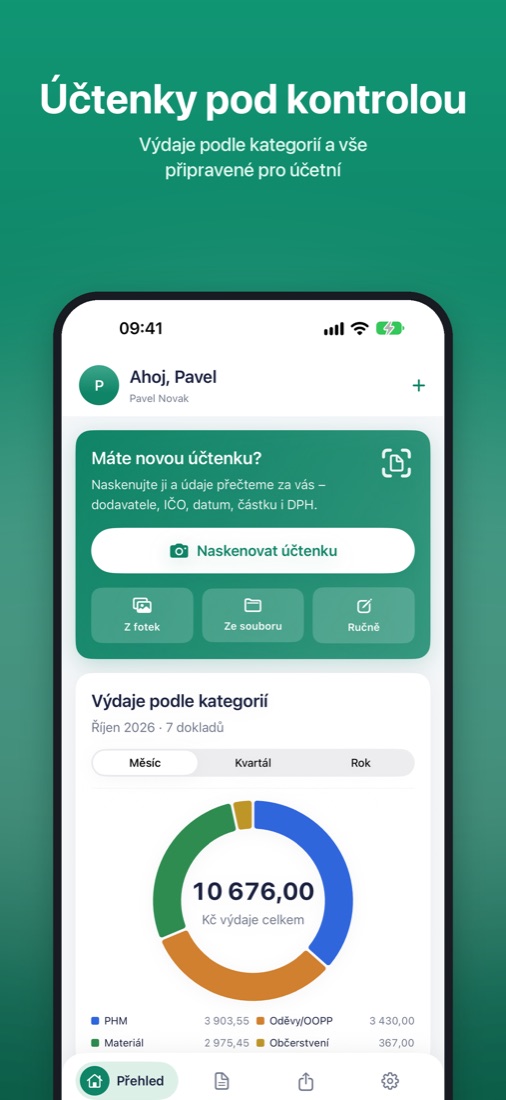
Reads receipts
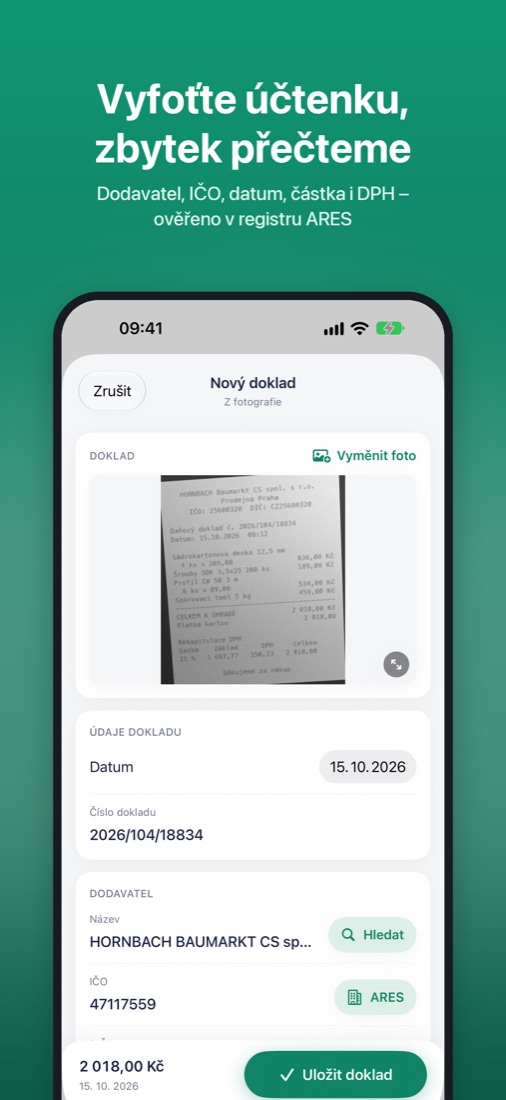
Supplier, company ID (IČO), VAT ID (DIČ), date, document number, total and VAT breakdown. The text is read right on your phone.
ARES lookup
Fills in the exact company name and VAT ID from the company ID, using the Czech ARES register. It can also find a company by name.
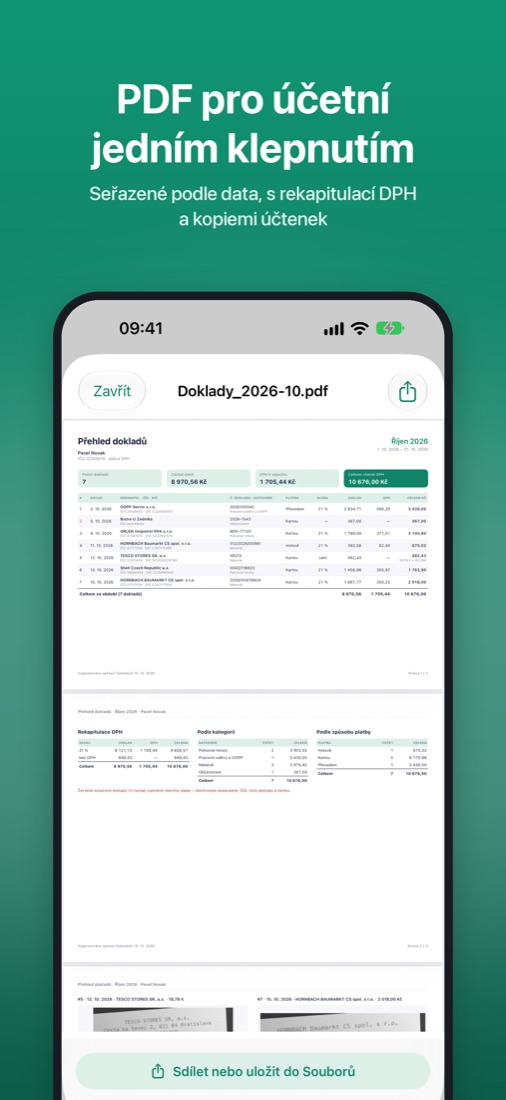
PDF for your accountant
An overview for a week, month, quarter or year, sorted by date, with a VAT summary and copies of the receipts.
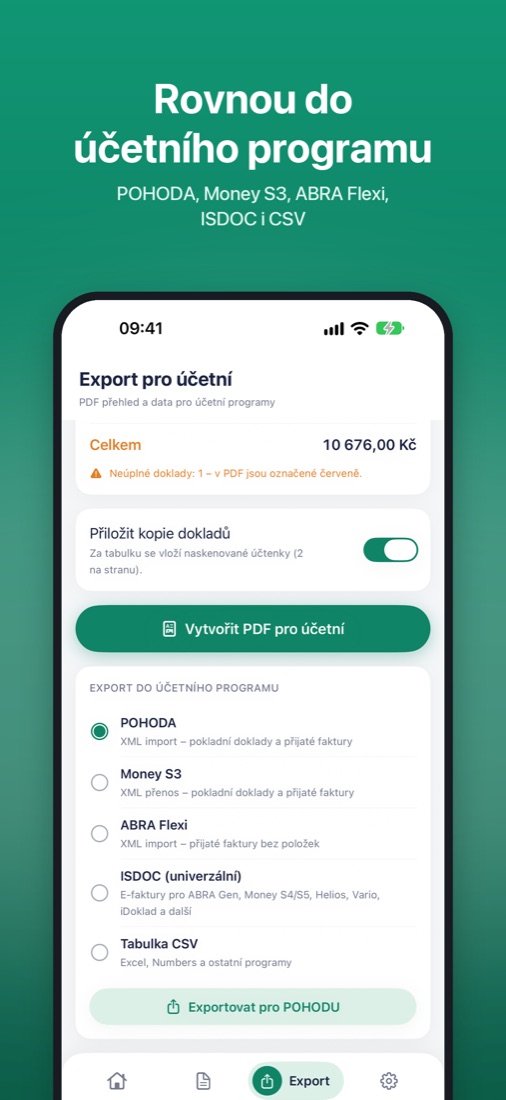
Accounting software
Export for POHODA, Money S3 and ABRA Flexi, in ISDOC format (ABRA Gen, Money S4/S5, Helios, iDoklad…) and to CSV.
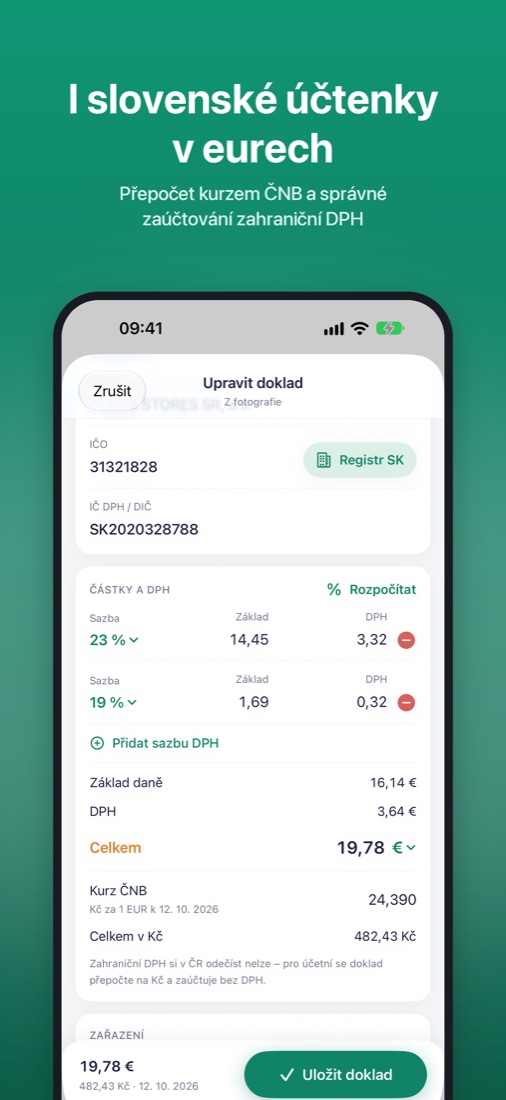
Slovak receipts in euros
Recognizes euros and Slovak VAT IDs, converts at the Czech National Bank rate for the receipt date and books them correctly, without foreign VAT.
Invoices and files
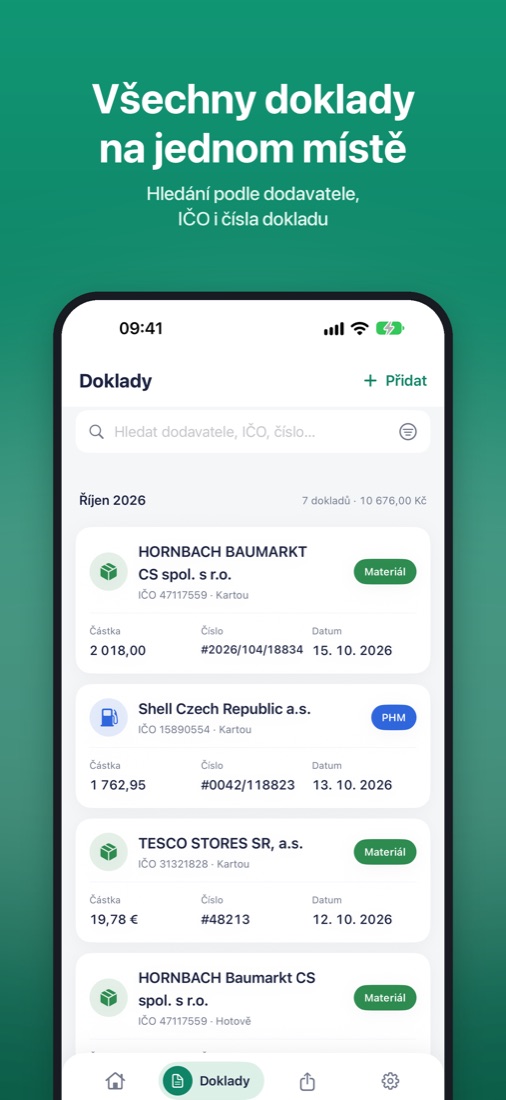
Besides scans, also photos, PDF invoices and ISDOC e-invoices.
What it looks like
Pricing
Free
10 new documents a month, all exports.
Dokladník Pro
or 799 CZK a year. Unlimited documents. The first 14 days are free, cancel anytime.
Support
Write to mr.adampavelka@gmail.com. I usually reply within two business days.
How do I cancel my subscription?
On your iPhone, open Settings → your name → Subscriptions → Dokladník Pro → Cancel Subscription. During the free trial, do it at least 24 hours before the trial ends and you won't pay anything. You can keep using Pro until the end of the paid period.
I bought Pro, but the app doesn't see it
In the app, open Nastavení (Settings) → Předplatné (Subscription) → Obnovit nákupy (Restore Purchases). You must be signed in with the same Apple Account you used to buy the subscription.
Where are my documents, and how do I move them to a new iPhone?
Documents are stored only on your iPhone and aren't sent anywhere. They're part of your iPhone backup (iCloud or computer), so you move them to a new phone by restoring from that backup. To be safe, we recommend sending PDFs to your accountant regularly.
A receipt wasn't read correctly
You can correct every field before saving. Receipts read best when photographed close up, straight and in focus. If a certain type of receipt is read wrong again and again, please send me a photo of it. It helps improve the reading.
How do I hand my documents over to my accountant?
On the Export tab, choose the period and tap Vytvořit PDF pro účetní (Create PDF for accountant), or choose an accounting program and export the data. Then send the file by e-mail or save it to Files.